

 Contact Us
  Go to SFC2021
 Latest Updates
- UPDATED Quick guide: National audit report (AMIF,ISF,BMVI)
- UPDATED Quick guide: National Audit Report (IJG, ETC)
- UPDATED Quick guide: National Audit Report (EMFAF)
- UPDATED SFC files: API Change Log version 4_7_0 for upcoming release
- UPDATED Quick guide: Project Data: Art. 3.5 (ERDF, CF)
Quick Tips

In SFC2021 click on the magnifier icon in the header bar to search for all Objects related to a specific CCI.

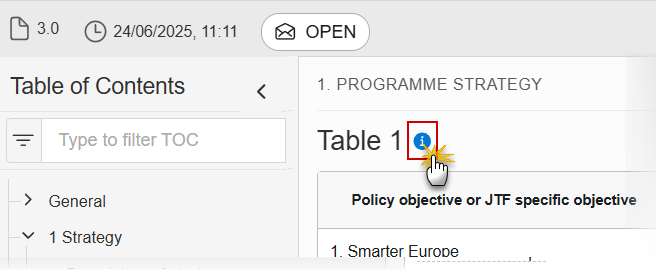
Clicking on the ‘I’ icons in the section headings, and selecting the ‘further information’ link will take you to the corresponding section of the User Guide.